
Patches
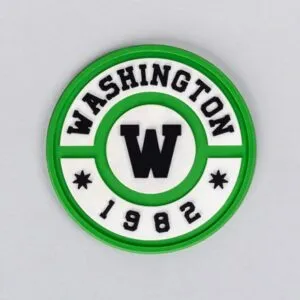
Faux Leather Patch
Description
Faux Leather Patches provide the look and feel of real leather with a consistent, even finish. Available in multiple color choices, our patches are laser-engraved, providing a rustic, but upscale look for your brand. And best of all, our Faux Leather is easy to maintain and safe for domestic wash!
Low Melt Backing with a Top Heat Press – Garments
- Set press to 315-325°F for top heat with 70-80 psi of pressure.
- Ensure application location is wrinkle-free and place garment onto press.
- Place patch onto desired location on garment. Thermal Tape is optional.
- Over a FlexStyle® Silicone Pad, turn around garment and load into the heat press.
- Press for 12-18 seconds.
- Remove garment from press and allow to cool.
Low Melt Heat Seal on Hats – Using the 360 IQ™ Hat Heat Press
- Set press to 245°-255°F for top heat and 315°- 320°F for bottom heat with 60-80 psi of pressure.
- Place hat on heat press, leaving out the inner layer of the cap. Use adjustment lever for a better grip.
- Place emblem onto desired location. To secure the emblem and prevent it from moving, use Thermal Tape.
- Press for 10-15 seconds.
- Deactivate the adjustment lever and remove the hat from the heat press.
- Remove Thermal Tape once the patch has cooled.
Related products

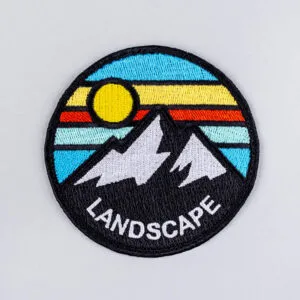
Custom Embroidered Patch
Select options This product has options that may be chosen on the product page Embroidered Patch
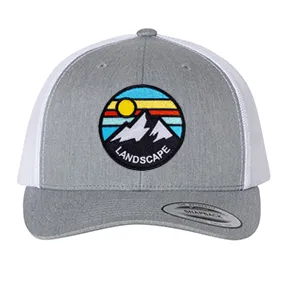
YP Classic 6606 Embroidered Patch Hat
Select options This product has options that may be chosen on the product page Headwear